
Mobile Security
Is Your Phone Safe? Why You Need Mobile Virus Cleaners and Antivirus for Android
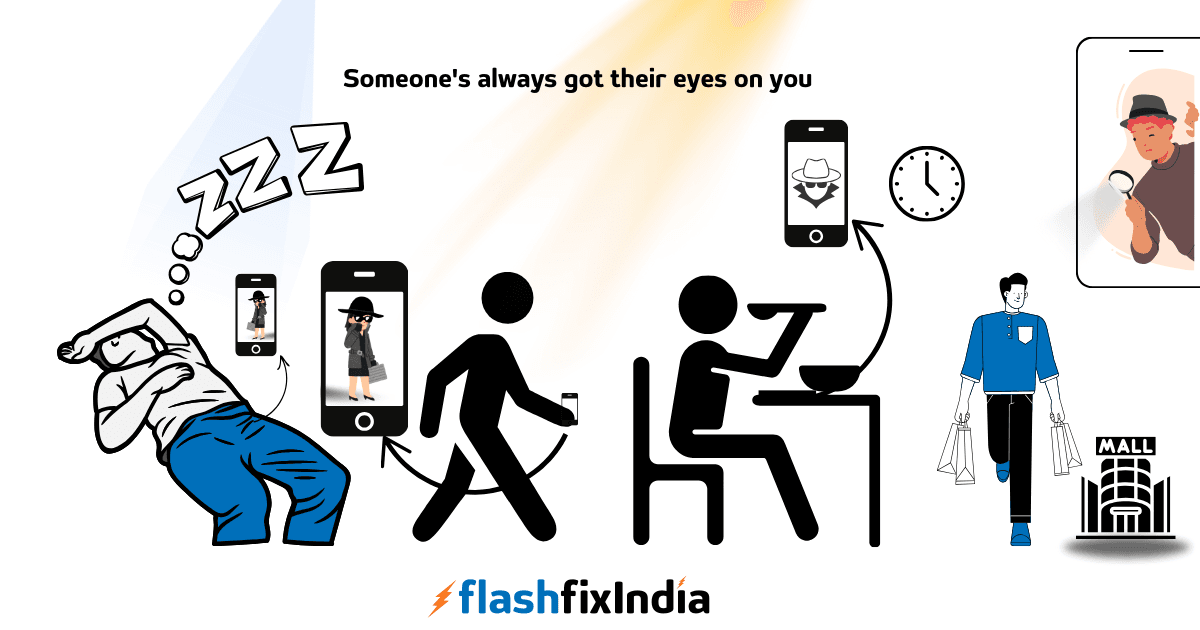
You’ve probably heard that Android devices don’t need antivirus protection. After all, Android’s open-source nature and built-in security features are supposed to keep viruses at bay, right? But if that’s true, then why are so many companies out there pushing antivirus software for Android? Here’s the reality: as much as Android’s built-in security helps, it’s far from foolproof.
Why Are Companies Selling Mobile Antivirus for Android?
Cyber threats on mobile devices are real, so is the need for protection and it’s not just about companies trying to make a quick buck. Think about it—your phone holds a treasure trove of personal data, from your daily schedule to sensitive information like passwords and banking details. When that information is stolen, it can be used in all sorts of ways, often without you even realizing it.
What Kind of Data Are You Unknowingly Sharing?
Malicious apps and spyware can do more than you think. They track your screen time, monitor your sleeping habits, or even record how much you move throughout the day and here’s the kicker: most of the time, you don’t even know it’s happening.
Let’s look into few such cases, Imagine this – You casually mentioned to a friend of yours that you’re considering buying a iPhone, and suddenly, you’re seeing iPhone ads all over your Instagram feed. Coincidence? Maybe not. Some apps can collect and share data without your knowledge, shows us how much it goes behind the scenes on your android device.
Relatable?? How about digging a bit more!!
Every app, every permission, every little “agree” you click might be giving away so much, it’s a spy in your pocket.
You check the weather—your location gets tracked. But what happens when you close the app? Many apps keep pinging your location in the background, creating a complete map of everywhere you go.
This isn’t just about ads—some apps can even build a detailed profile of your routines, commutes, and favorite spots. Some even sell this data to third parties. Suddenly, your location is a product anyone can buy.
When you’re browsing in “private mode,” it’s natural to feel safe, but is it so ??, Most definitely not, Yes!! you’re still leaving traces.
Websites can “fingerprint” you by tracking your unique info like device type, browser, and even the way you type. It’s enough to recognize you again across other sites.
Even if you clear cookies, your unique “fingerprint” can still be tracked.
“Hey, Alexa, are you listening?” and Yes, it’s listening!
Voice assistants sometimes activate by mistake and record parts of conversations that weren’t meant to be heard. Even worse, these recordings can be saved on company servers, where they’re reviewed to “improve the technology.”
The lines between convenience and surveillance are blurry, and each “permission” you grant could give away more than you bargained for.
Check your settings, think twice about what you’re agreeing to, and remember the less access you give, the safer you are. But, is that really possible?? If it’s not then??
How Antivirus and Mobile Virus Cleaners Protect You?
Mobile antivirus software, also known as mobile virus cleaners or anti-malware apps, does more than just block viruses. These tools restrict apps from performing activities in the background without your permission. By installing antivirus for Android, you’re adding an extra layer of protection against malicious activity that could otherwise compromise your privacy.
It’s like having a vigilant guard inside your mobile, which keeps your data safer from the hidden risks lurking in apps, links, and networks.
Choosing the Best Antivirus for Android
With so many options, picking the right antivirus for your Android phone can be overwhelming. From best antivirus for Android to mobile virus cleaners, there are countless tools to keep your device secure. In the next section, we’ll guide you through a few top options, helping you choose the best anti-malware for Android to fit your needs.
We will post it here!
Mobile Security
Mobile Security
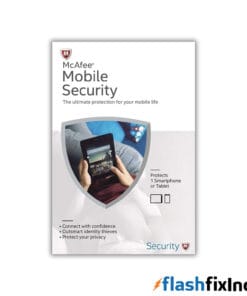
McAfee Mobile Security for Android & iOS | 1 Device | 1 Year
Mobile Security
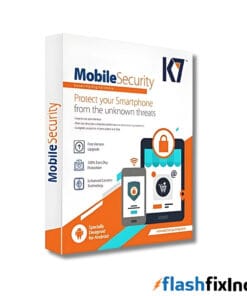
K7 Mobile Security for Android | Realtime Protection & Advanced Features | 6 Months & 1 Year
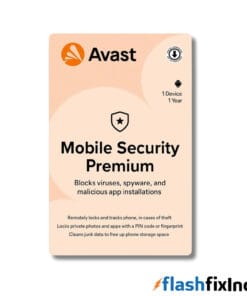
Mobile Security
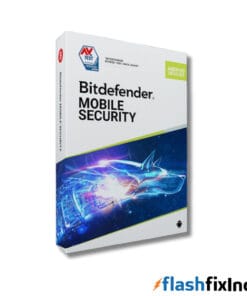
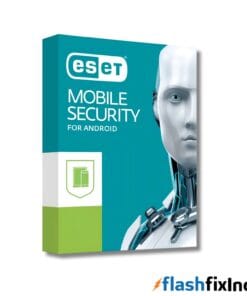
Mobile Security
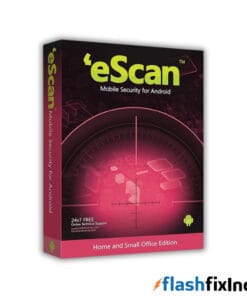
ESET Mobile Security for Android | Mobile Antivirus Activation Key | 1 Mobile for up to 1 Year
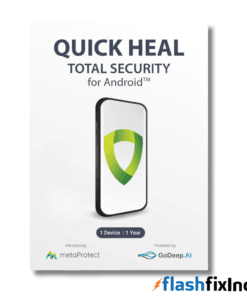
Mobile Security
Leave a Reply